How to Animate Old Photos with AI: Step-by-Step Guide (Like the Viral Grandson Video)
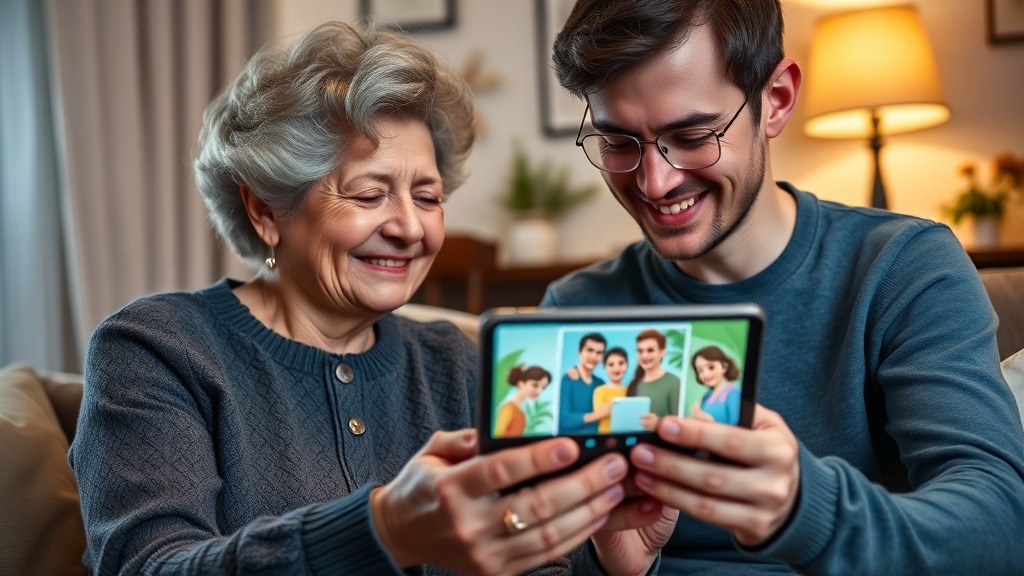
You’ve probably seen it on TikTok or Instagram: a grandson who animated his grandfather’s old photos using artificial intelligence, creating a video that has moved millions of people to tears.
The original video from @mando.studiomx went viral within days. Black and white photos from 50 or 60 years ago suddenly came to life: the young grandfather blinked, smiled, looked at the camera. And today’s grandfather, now elderly, watched those images with tears streaming down his face.
The question everyone is asking: how can I do this with my family’s photos?
Good news: it’s easier than you think. And you don’t need to be a tech expert.
The magic moment: when your family sees their memories come alive.
Why These Videos Are So Emotional
Before diving into the “how,” it’s worth understanding the “why.” Why does a simple video of animated photos make people cry?
Because it breaks a barrier we thought was impossible.
Throughout our entire lives, old photos have been static. Frozen in time. You could imagine what your grandmother looked like when she was young, but you could only see her motionless, in a stiff studio photograph pose.
When that photo comes alive—when you see her blink, smile, turn her head—something activates in your brain. Suddenly, that person from the past feels real. Present. Alive.
For someone who has lost a loved one, or whose grandparents are already elderly, that moment is pure emotional gold.
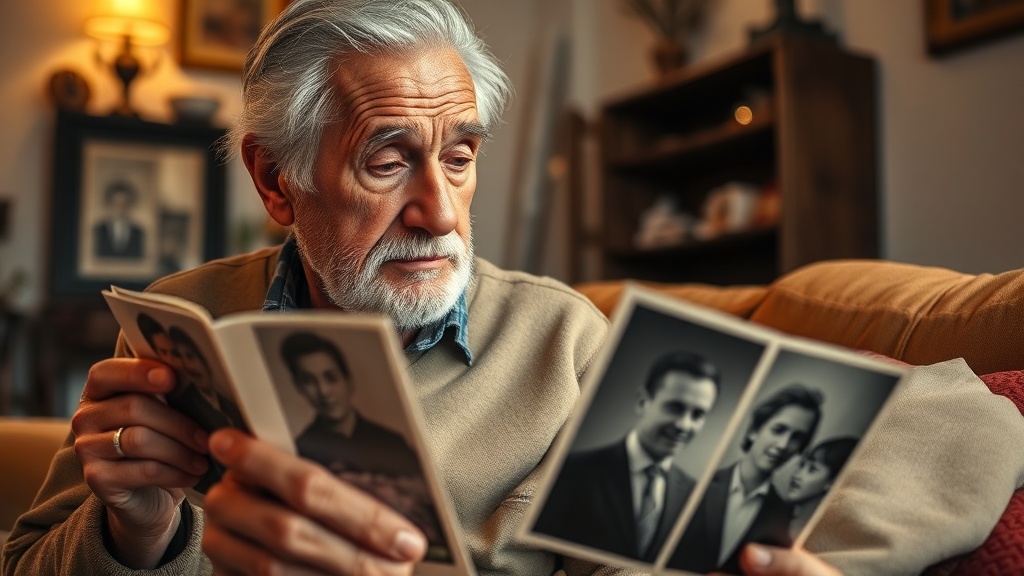 Old photos hold stories. AI can help us relive them.
Options for Animating Photos with AI
There are several tools that can do this. Here are the main ones:
1. MyHeritage Deep Nostalgia
This is the tool that popularized photo animation in 2021. It animates faces in photos, making them blink and move.
Pros:
- Well-known and proven
- Part of a genealogy platform
Cons:
- Only animates the face (5-10 seconds)
- No music
- Requires subscription ($13/month)
- Sometimes results look artificial
2. Image-to-Video Tools (Kling, Hailuo, etc.)
These are professional AI tools that convert images into video.
Pros:
- High technical quality
- Many customization options
Cons:
- Complex to use
- Confusing credit system
- No music
- Requires post-processing
3. Revivaly ⭐ (Easiest for Gifts)
Revivaly is specifically designed to create emotional videos from photos, with music included.
Pros:
- Super easy (3 steps)
- Music included
- Ready-to-share result
- Fixed price: €1 per photo (maximum €10)
Cons:
- Less technical control (but that’s the point: simplicity)
Tutorial: How to Animate Your Photos Step by Step
I’ll walk you through the process with Revivaly, because it’s the simplest and the result includes music—crucial for emotional impact.
Step 1: Prepare Your Photos
Gather the photos you want to animate. Some tips:
- Quality: Don’t worry if they’re a bit blurry or damaged. AI handles old photos well.
- Variety: Mix photos from different eras to tell a story.
- Quantity: Between 5 and 15 photos usually works well.
- Faces: Make sure faces are visible, even if they’re small.
Tip: Scan photos with your phone if you don’t have them digitized. Apps like Google PhotoScan give good results.
Step 2: Upload Photos to Revivaly
Go to app.revivaly.ai/create and upload your photos.
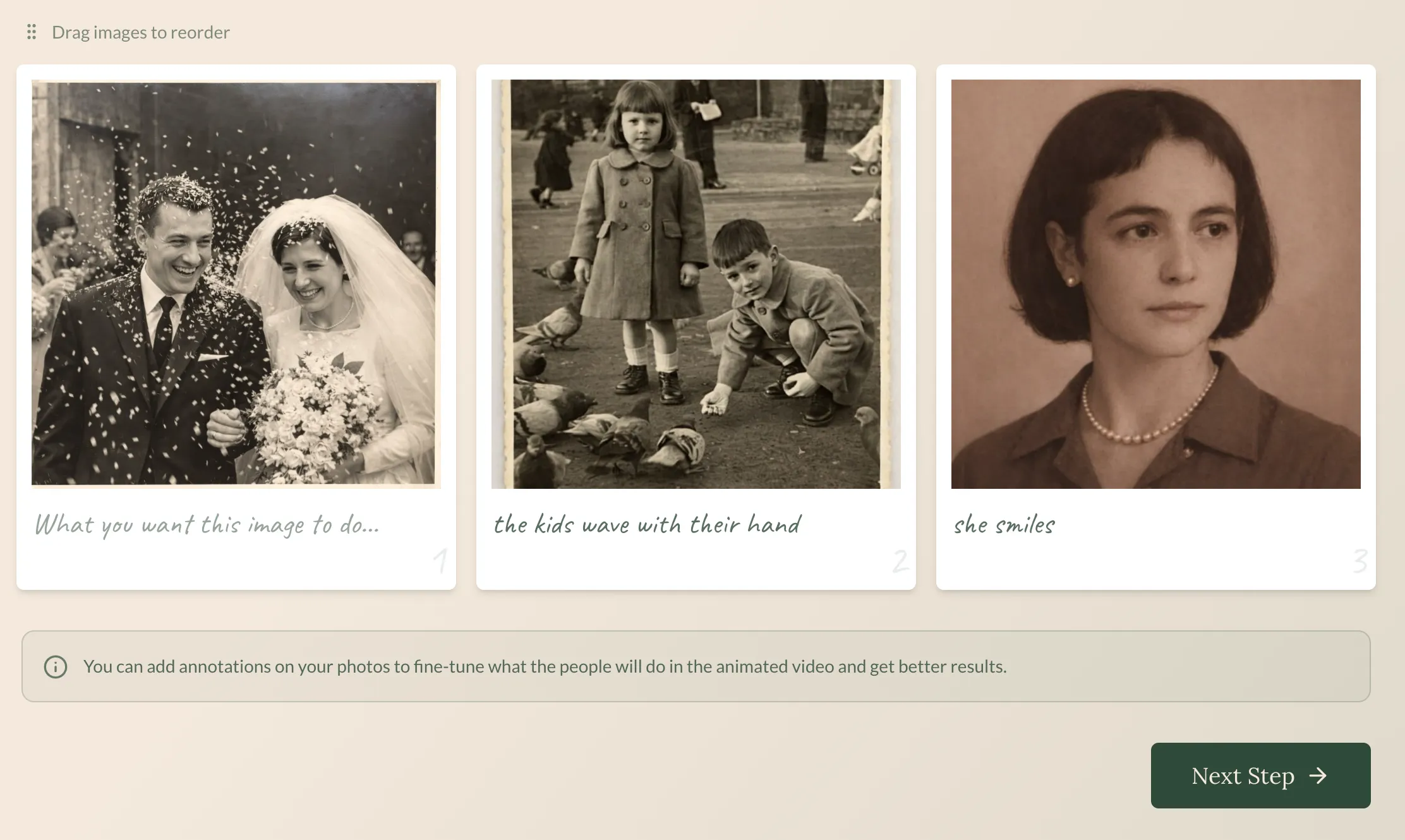 The interface is simple: drag your photos and you’re done.
You can upload photos in any format (JPG, PNG, etc.) and any size. The system processes them automatically.
Step 3: Choose the Music
This is the step that makes the difference. The right music turns a simple video into something that moves people.
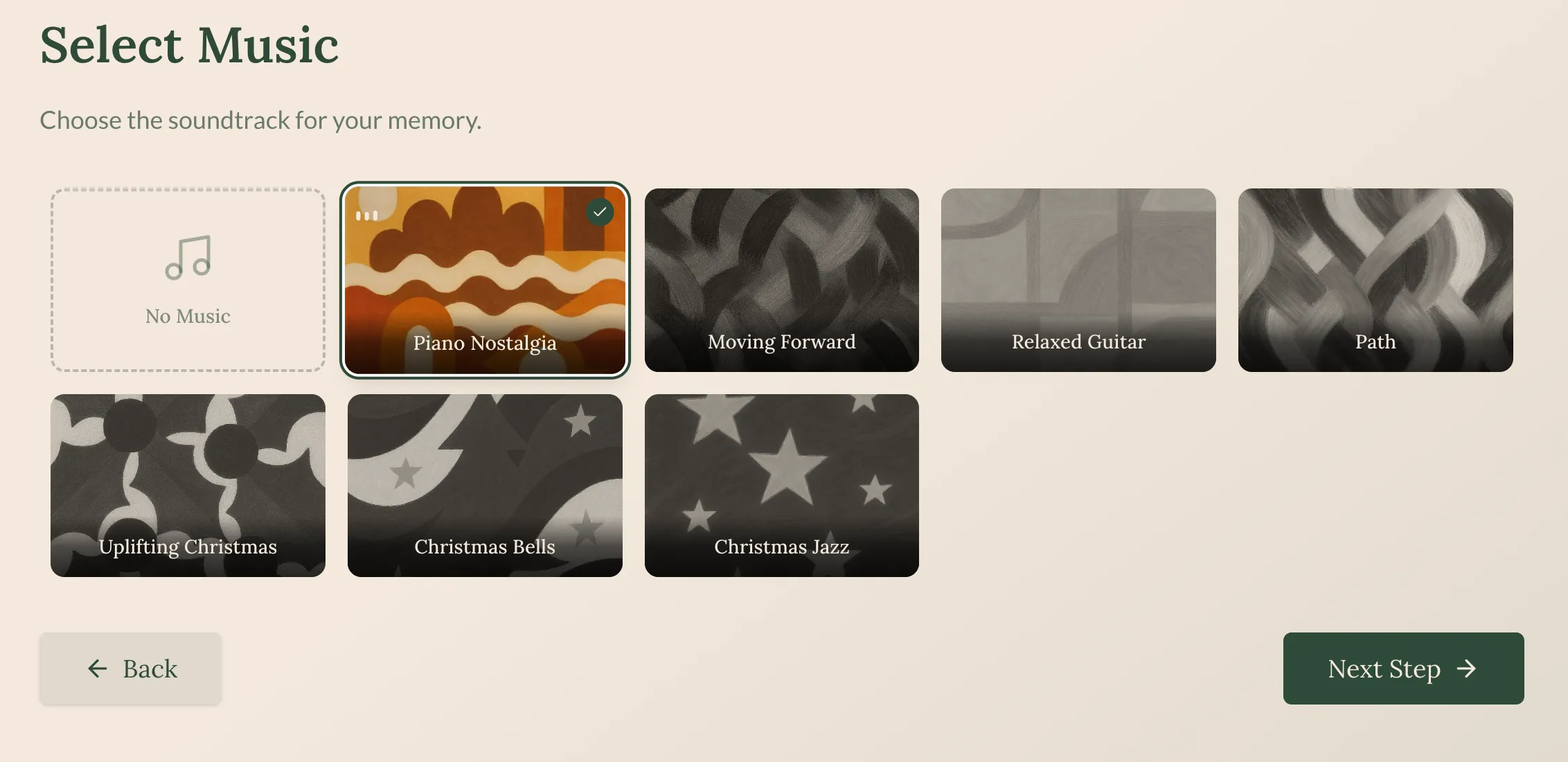 Choose from curated soundtracks based on the mood you’re looking for.
Tips for choosing music:
- For happy moments (weddings, birthdays): something nostalgic but positive
- For tributes to elderly people: classic, soft melodies
- For memorials: emotional but serene music
Step 4: Get Your Video
In approximately 5 minutes, your video will be ready.
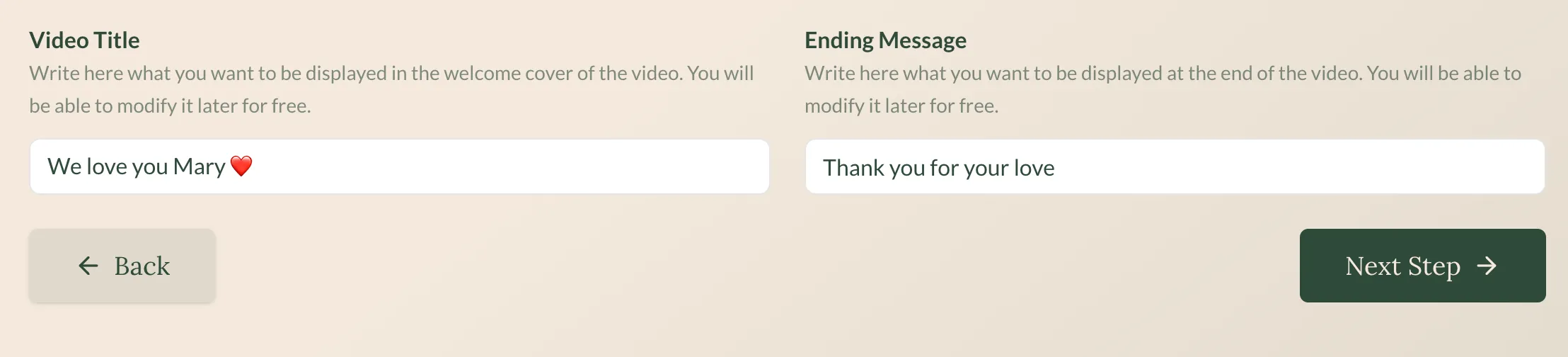 Download your video and share it with your family.
The video includes:
- Your photos animated with subtle movement
- Smooth transitions between photos
- Your chosen music synchronized
- HD format ready to share
See a Real Example
This is what a Revivaly video looks like:
Family photos transformed into an emotional tribute with music.
Ideas to Surprise Your Family
Now that you know how to do it, here are some ideas:
1. Birthday Gift for Grandparents
Collect photos from their entire life: when they were young, their wedding day, with their small children, recent moments. Create a 2-3 minute video and play it at the celebration.
Expected emotion level: 💧💧💧 (tissues needed)
2. Parents’ Wedding Anniversary
Find photos from when they met, the wedding, the early years, the birth of the children. It’s like telling their love story on video.
Expected emotion level: 💧💧💧💧 (many tissues)
3. Tribute to a Loved One Who Has Passed
Perhaps the most emotional use. Photos of that person throughout their life, animated with music they liked or that reminds you of them.
Expected emotion level: 💧💧💧💧💧 (entire tissue box)
4. Father’s/Mother’s Day Gift
Photos of them raising you, with you as a child, special moments together.
5. Family Reunion
If you have a family gathering, prepare a video with photos of all family members throughout the years.
Frequently Asked Questions
Does it work with very old or damaged photos?
Yes. The AI is trained to work with low-quality, blurry, or partially damaged photos. Obviously, the better the original photo, the better the result, but you don’t need perfect quality.
How much does it cost?
On Revivaly, €1 per photo with a maximum of €10. Photos 11-20 are free. No subscription.
Compared to MyHeritage ($13/month) or professional studios ($50-200), it’s quite accessible.
How long does it take?
About 5 minutes. You upload the photos, choose music, and in a few minutes you have the video.
Can I use it for a funeral or memorial?
Absolutely. In fact, many people use Revivaly to create videos that are played at funeral services. The included music is perfect for these moments.
Is this the same thing the viral grandson did?
The result is very similar. The difference is that services like the one in the viral video are usually professional studios that charge more. With tools like Revivaly, you can do it yourself in minutes.
Do I need technical knowledge?
Zero. If you know how to upload a photo to WhatsApp, you know how to use Revivaly.
The Real Impact: Why It’s Worth It
When I saw the viral video of the grandson and his grandfather, the first thing I thought was: “this is exactly what technology exists for.”
Not to make your work more efficient. Not to automate boring tasks. But to create moments that matter. To connect generations. To give someone a gift they’ll remember for the rest of their life.
Your family’s photos are there, stored in boxes, in old albums, on your mother’s phone. Waiting.
With 10 minutes of your time and less than €10, you can turn them into something that will make your grandmother cry with emotion.
Is there a better use of artificial intelligence than that?
Summary: How to Animate Photos with AI
- Gather your photos (5-15, better if they tell a story)
- Choose a tool (Revivaly for maximum ease, MyHeritage for faces only)
- Upload and customize (choose music if available)
- Share with your family (have tissues nearby)
Create your video now on Revivaly →
Have you created a video for your family? We’d love to know how they reacted.
Ready to bring your own memories to life?
Create a Video Now