How to use Revivaly: Create a complete video story in 3 steps
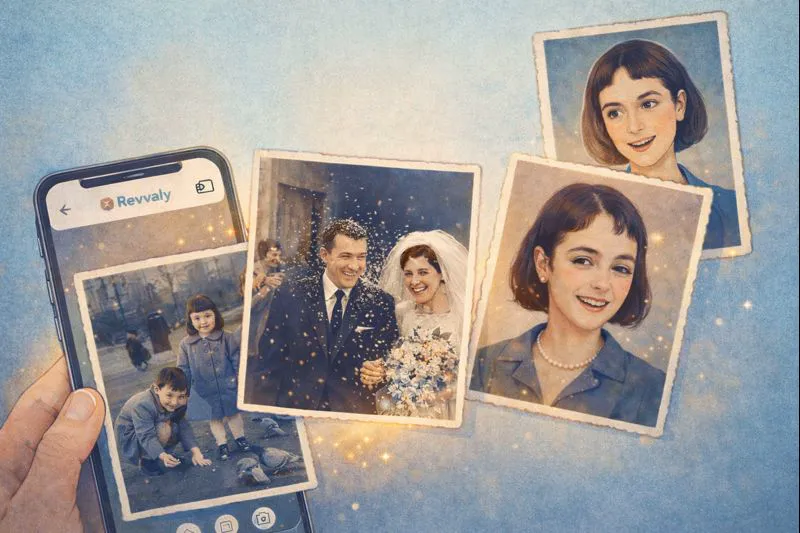
Photos are wonderful, but they are frozen in time. Revivaly changes that.
Most AI apps today just animate a single face. You upload one photo, it moves for 3 seconds, and that’s it. To make a real video, you’d have to download 20 of those clips, buy video editing software, stitch them together, and sync the music yourself.
Revivaly does all of that for you in one click.
We don’t just give you a clip; we give you a complete video story ready to share or show at an event.
What makes Revivaly different?
When you create a video with us, we automatically generate a full cinematic structure:
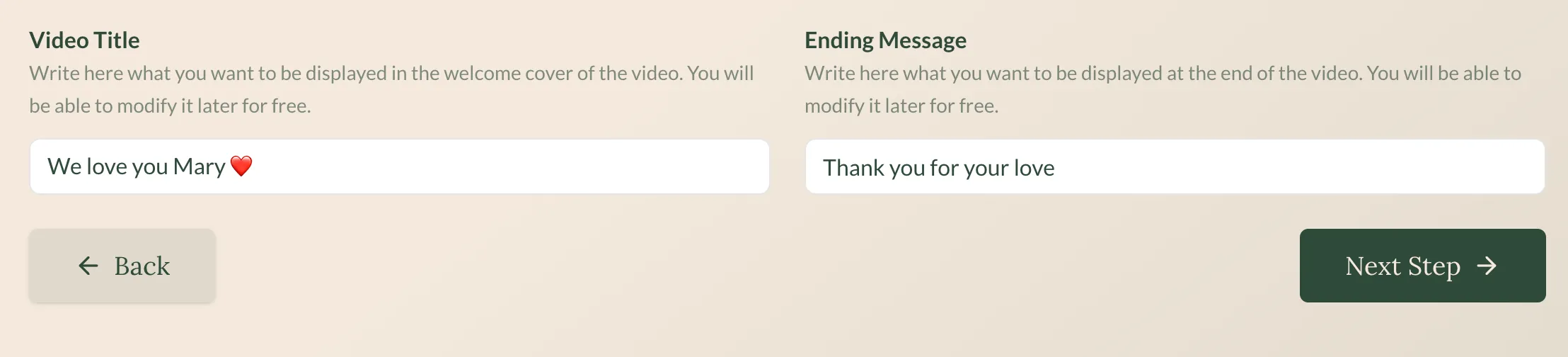
- The Opening: A beautiful, illustrated cover to start the video.
- The Story: All your photos are animated and seamlessly stitched together.
- The Ending: A closing dedication page where you can write a personal message.
It is perfect for gifts, weddings, funerals, or just remembering good times.
How it works (3 steps)
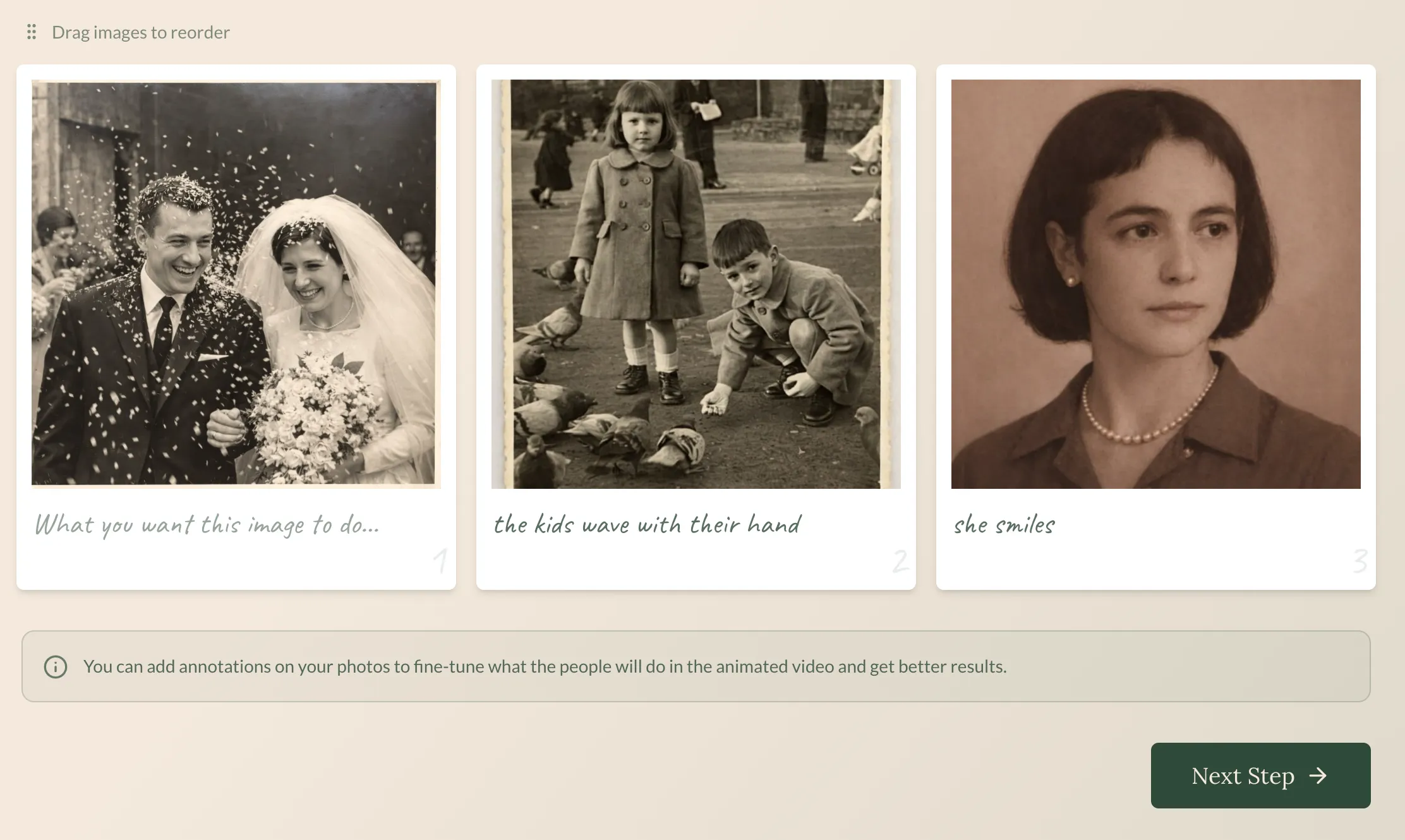
1. Upload your photos
Select up to 20 photos. You usually don’t need to organize them perfectly, but you can if you want.
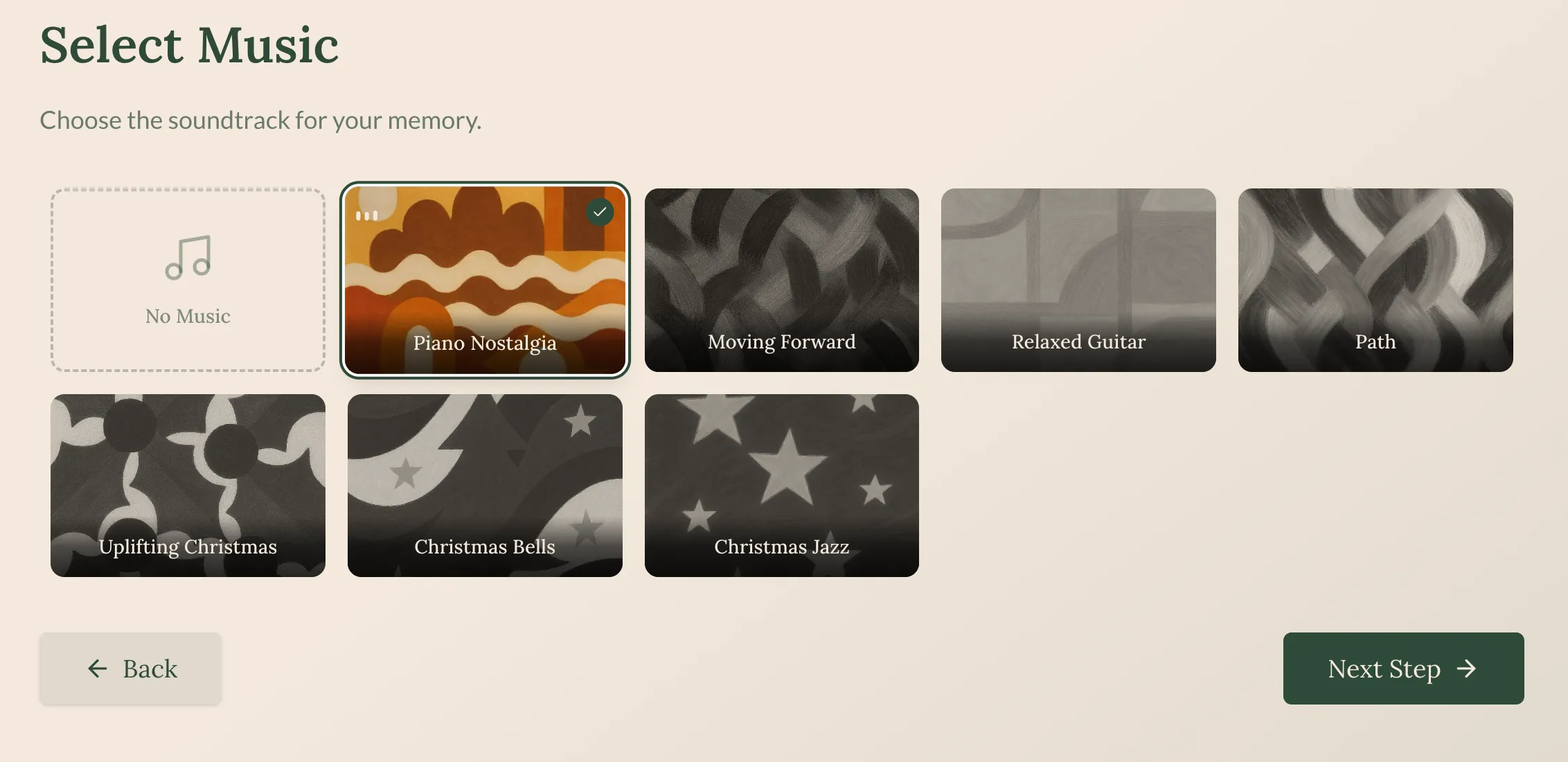
2. Select music
Pick a song that matches the emotion (e.g., “Piano Nostalgia” for tributes, “Relaxed Guitar” for birthdays).
3. One click creation
We generate the full video (Cover + Music + Animations + Dedication). You can watch a preview immediately.
🎥 Here is how a finished video looks:
Can I edit the video?
Yes! We believe in getting it perfect.
- Free edits: You can change the Opening/Closing covers, the Music, and the Order of photos as many times as you like for free.
- Detailed edits: If you want to change how a specific photo moves or edit the AI prompt (notes) for a specific image, you use Credits.
How do you get Credits? It’s simple. You receive 1 Credit for every €2 you spend on the video. If you need more intricate edits, you can easily top up your credits.
Ready to tell your story? Create your video now.
Ready to bring your own memories to life?
Create a Video Now